

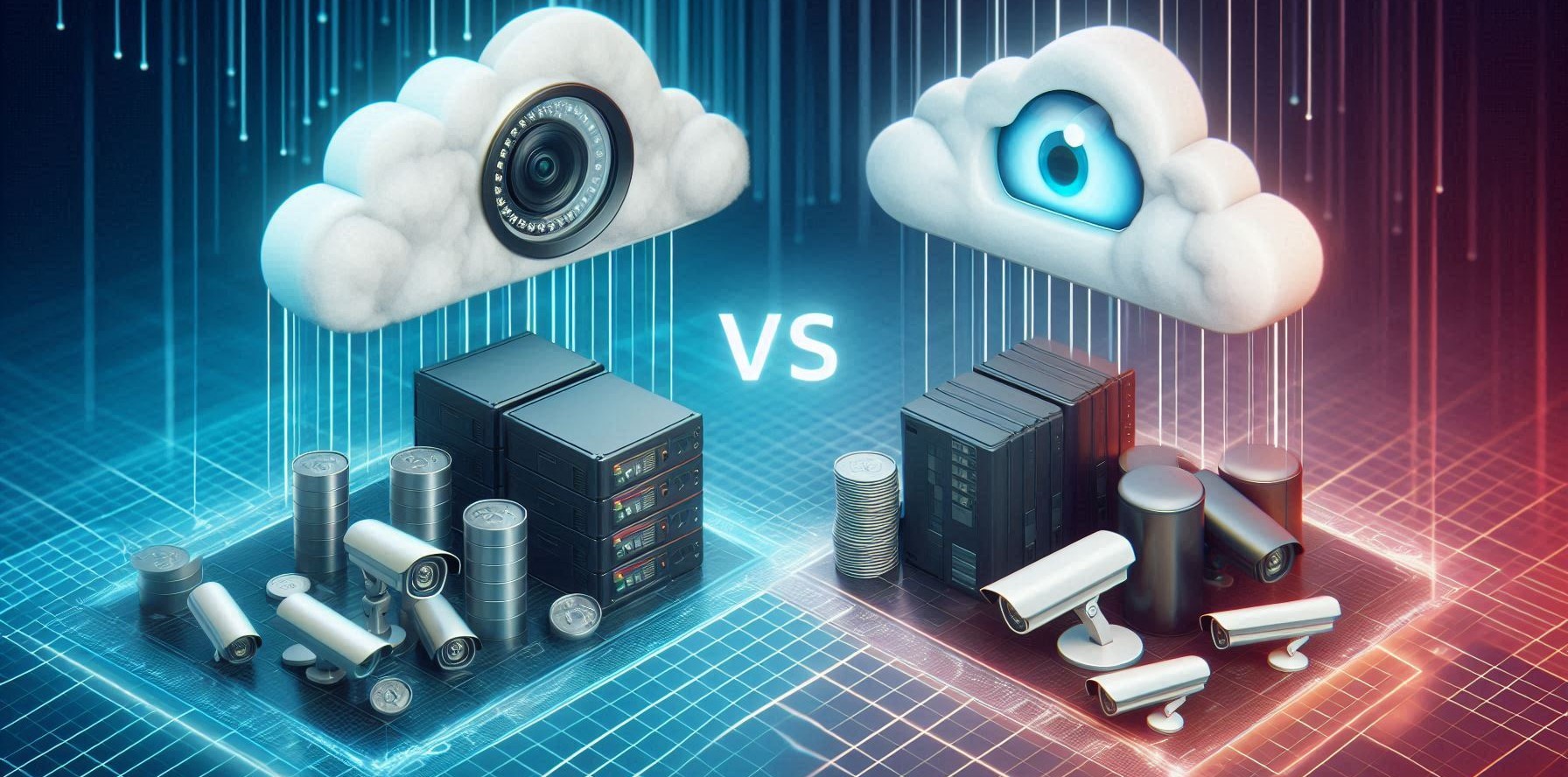
Choosing the Right Storage Solution for Your Security System
One of the most important decisions when setting up a CCTV system is determining how to store your footage. With the rise of cloud storage services and advancements in local storage technology, security system owners now have multiple options. Should you store your footage on a physical device within your premises, upload it to a remote server, or use a combination of both?
In this article, we’ll break down the differences between cloud storage, local storage, and hybrid solutions, helping you decide the best option for your security needs.
Cloud Storage: Convenient and Scalable
What Is Cloud Storage?
Cloud storage refers to saving your CCTV footage on remote servers managed by a third-party provider. This means your data is accessible from anywhere with an internet connection, making it a flexible and reliable storage solution.
Advantages of Cloud Storage:
- Remote Access: View live and recorded footage anytime, from anywhere.
- Off-Site Backup: Protects your data from theft, physical damage, or system failure.
- Scalability: Easily increase storage capacity without upgrading physical hardware.
- Automatic Updates & Maintenance: No need to manually upgrade storage devices or worry about hardware failures.
Limitations of Cloud Storage:
- Internet Dependency: Requires a stable internet connection for smooth operation.
- Ongoing Costs: Monthly or annual subscription fees can add up over time.
- Data Security Concerns: Potential risks if cloud servers are breached, requiring strong encryption and cybersecurity measures.
Local Storage: Direct Control and Independence
What Is Local Storage?
Local storage means storing CCTV footage on hard drives, DVRs (Digital Video Recorders), or NVRs (Network Video Recorders) located on-site. This option provides direct control over your video data without reliance on external cloud services.
Advantages of Local Storage:
- Full Data Control: No third-party access to your footage.
- No Internet Required: Footage is stored locally and accessible even during internet outages.
- One-Time Cost: No recurring fees; purchase and maintain your own storage devices.
- Faster Access: No need to download footage from the cloud, reducing delay times.
Limitations of Local Storage:
- Physical Vulnerability: Data can be lost due to theft, fire, or hardware failure.
- Limited Storage Capacity: Hard drives have fixed storage limits, requiring manual upgrades.
- Ongoing Maintenance: Regular system checks and backups are necessary to prevent data loss.
Hybrid Storage: The Best of Both Worlds
Many security-conscious users opt for a hybrid approach, combining both local and cloud storage for enhanced security and flexibility.
How Hybrid Storage Works:
Primary storage: Footage is recorded and stored on local devices (DVR/NVR/hard drives).
Cloud backup: Critical footage or specific timeframes are automatically backed up to the cloud.
Benefits of a Hybrid System:
- Redundancy & Backup: If local storage is damaged or stolen, cloud backup ensures footage is not lost.
- Optimized Storage Use: Store everyday footage locally while archiving important files in the cloud.
- Flexibility: Balance storage costs by choosing which footage is stored in the cloud.
How to Choose the Right Storage Option
When deciding on a storage solution, consider these key factors:
| Factor | Cloud Storage | Local Storage | Hybrid Storage |
| Accessibility | Remote access | On-site only | Both local & remote |
| Scalability | Easily expandable | Limited to device capacity | Expandable with cloud backup |
| Security Risks | Dependent on cloud provider | Vulnerable to theft & damage | Redundant security measures |
| Cost | Recurring fees | One-time investment | Balance between both |
| Internet Dependency | Required | Not required | Partial requirement |
Final Thoughts
Choosing between cloud, local, or hybrid storage depends on your specific security requirements. If you need remote access and scalability, cloud storage is a strong option. If you prefer full control and offline access, local storage is ideal. A hybrid system provides a balance between security, flexibility, and redundancy.
By carefully assessing your storage needs, budget, and security concerns, you can ensure that your CCTV system provides reliable, uninterrupted protection for years to come.
Need expert advice on CCTV storage solutions? Contact us today to find the best option for your security setup!
No Comments